
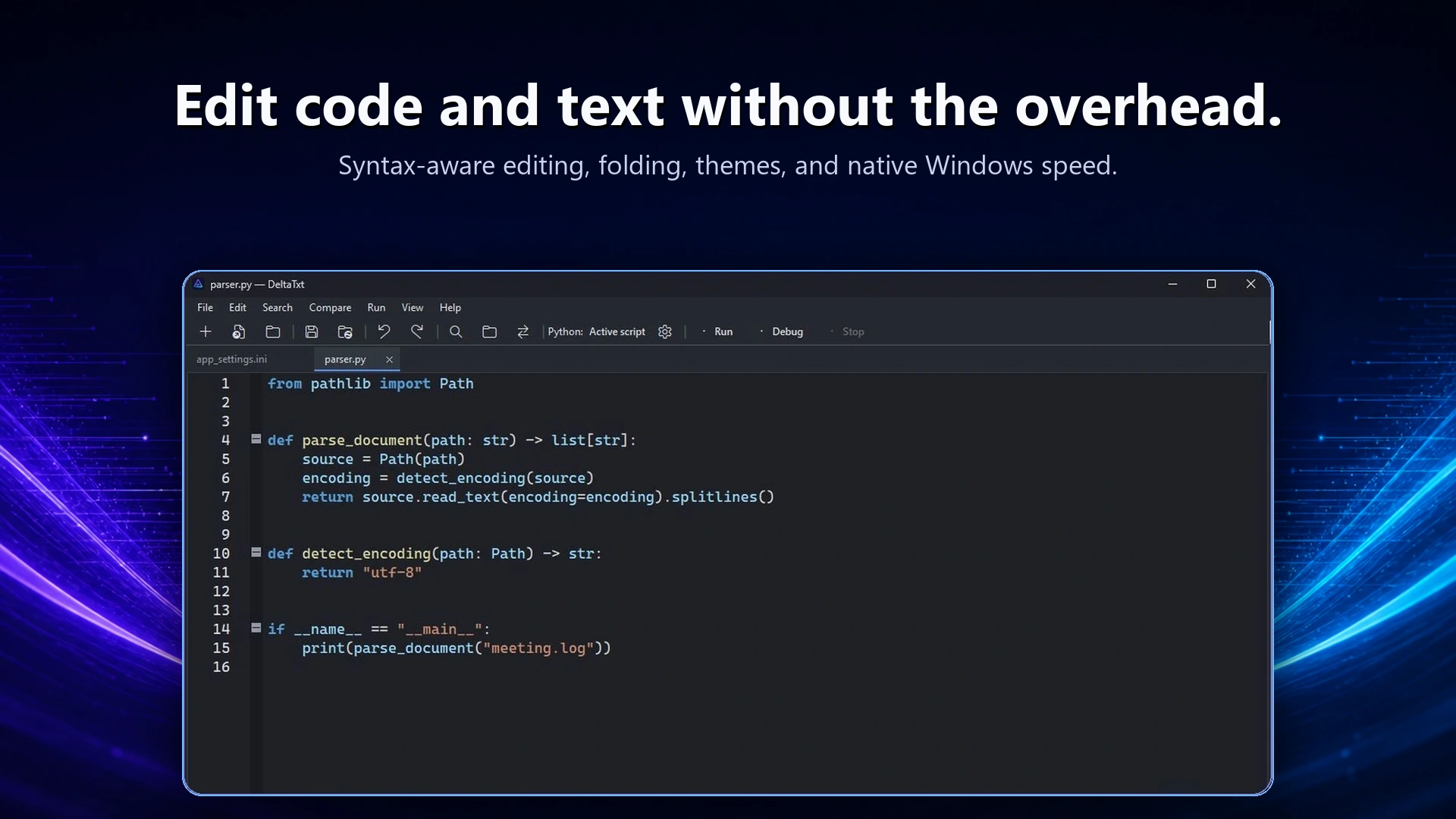
Stay close to the script
Open a Python file, edit with syntax styling and folding, and run it from the same native Windows workbench. DeltaTxt streams standard output and errors into a docked panel so the code and its behavior stay together.
Debug the problem, not the project
Breakpoints and stepping
Pause at the line that matters, then Continue, Step Over, Step Into, or Step Out while DeltaTxt marks the current execution line.
Locals and Stack
Inspect local values and the active call stack, or send a direct command to Python's debugger when you need a closer look.
Your Python environment
Use an automatically detected virtual environment or select the interpreter, arguments, working directory, and environment values for a script.
Built for the text around Python
Real troubleshooting rarely stays in one source file. Search and replace across code, configuration, and logs; compare two script revisions; and merge the change you want without switching tools.
Focused by design
DeltaTxt is for scripts, diagnostics, and text-heavy technical work. Choose a full project IDE when you need language-server refactoring, compiler-driven builds, integrated source control, or a broad plugin ecosystem.