
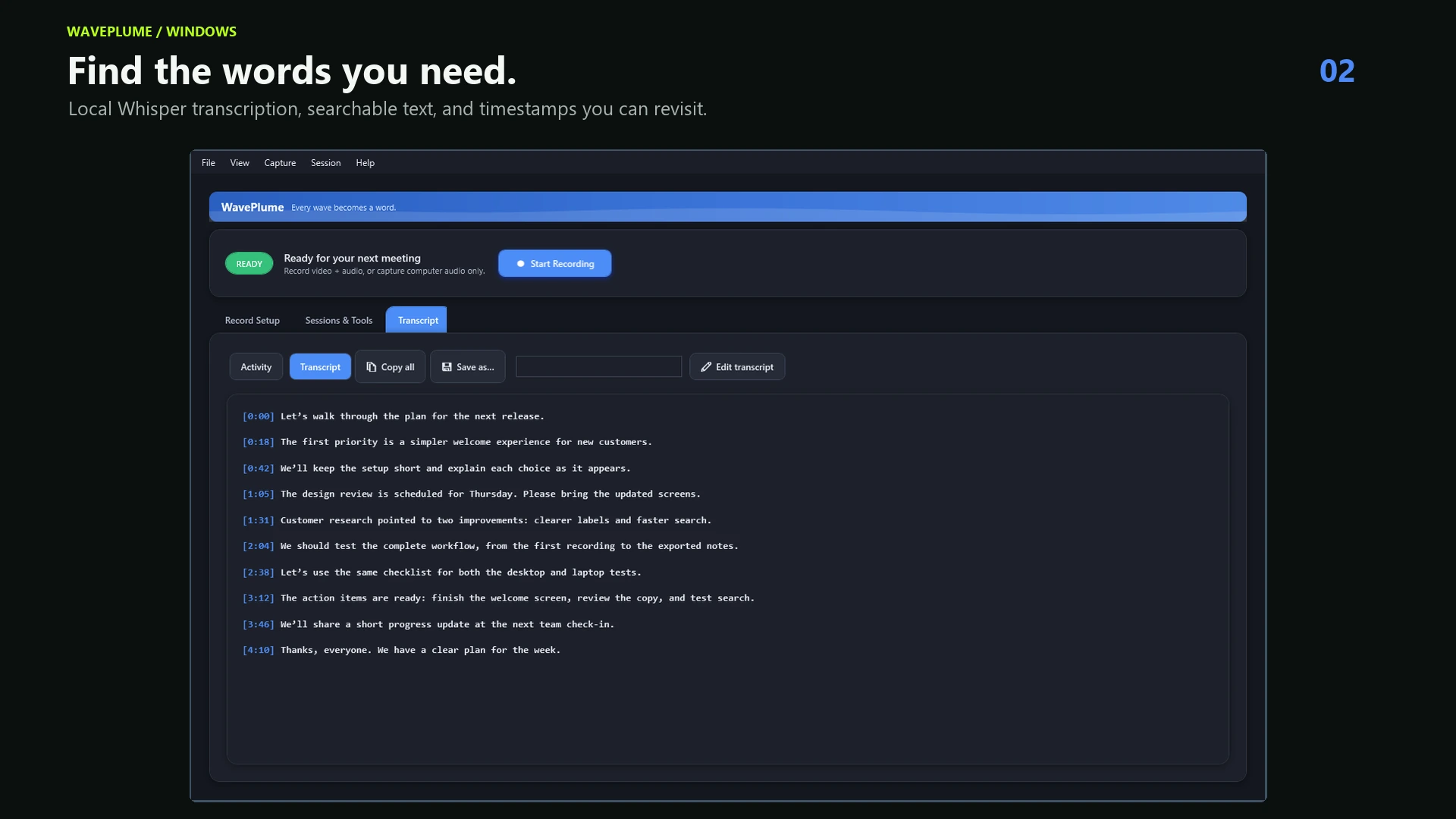
How offline transcription works
WavePlume records the audio available on your computer and runs Whisper locally. The recording and transcript remain in files on your device. A network connection is only needed for optional tasks such as downloading a transcription model or connecting schedule information.
Why use local transcription?
No bot joins the call
Start recording from your computer without admitting another participant to the meeting.
Audio stays on your computer
Your audio is not sent to a remote transcription service. You choose where the session folder is stored.
One-time price
WavePlume costs $14.99 once instead of charging by seat, hour, or month.
A practical workflow
- Confirm that recording is permitted and provide any required notice.
- Select system audio, microphone, or both and check the input levels.
- Record locally, then run the Whisper model that fits your speed and accuracy needs.
- Search the saved transcript and keep the original recording only as long as needed.