
Find the relevant error
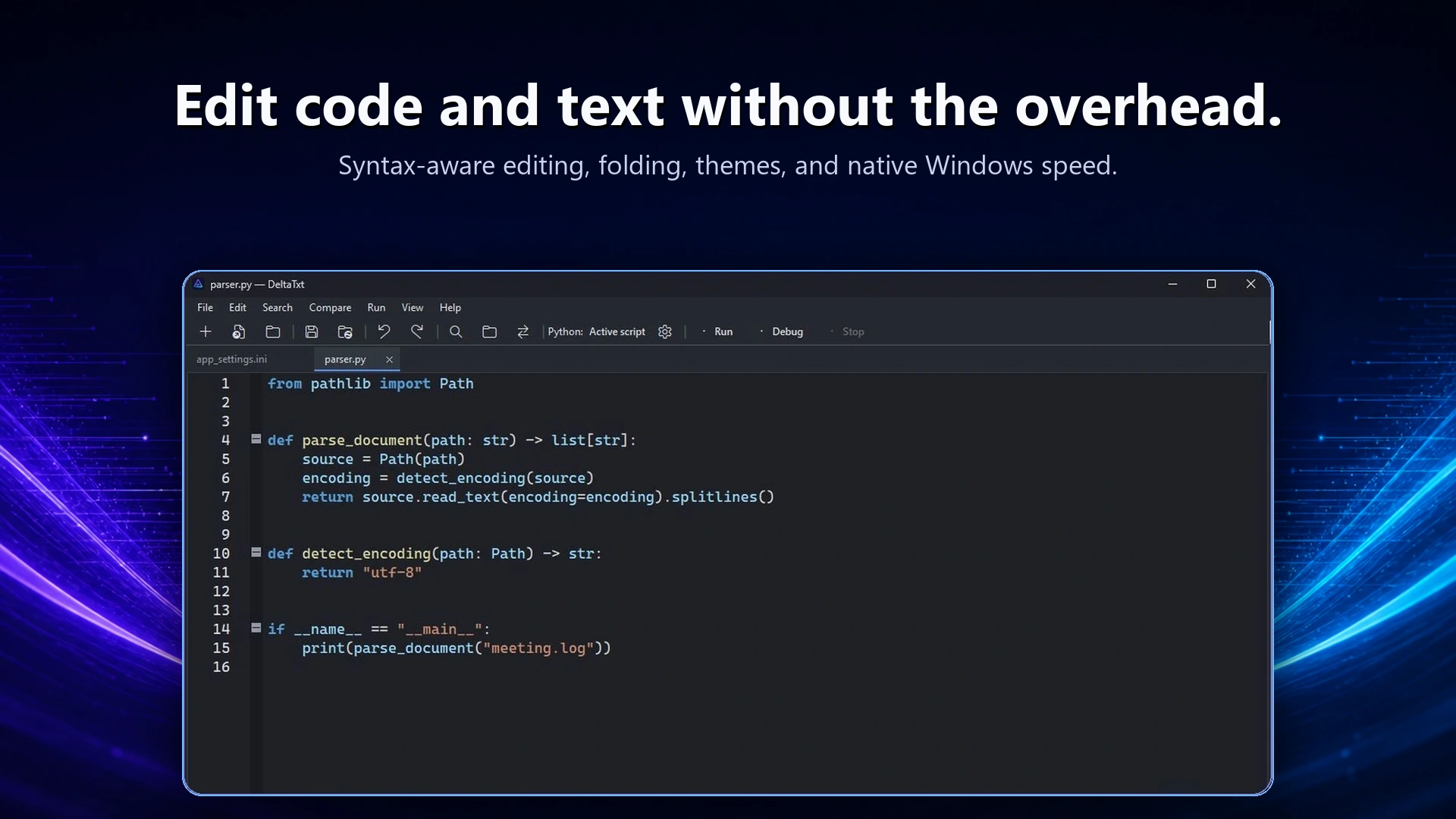
Open the log, search for an error code or distinctive phrase, and review the events immediately before and after it. DeltaTxt keeps these tools in one window without the project and build features of a full IDE.
Search related files
Workspace search
Look for the same identifier across logs, configuration files, scripts, and exported text in a folder.
Compare two runs
Place a failed result beside a successful one and review the lines that changed.
Automate cleanup
Use your own Python tools for repeatable redaction, extraction, normalization, or filtering.
Good large-log habits
- Work on a copy when the source is still being written.
- Keep confidential values out of examples shared for support.
- Save repeatable parsing steps as scripts instead of relying on manual edits.