
Use the right search for the job
Inside a document
Find or replace plain text and regular expressions with case, whole-word, wraparound, match counting, and grouped undo controls.
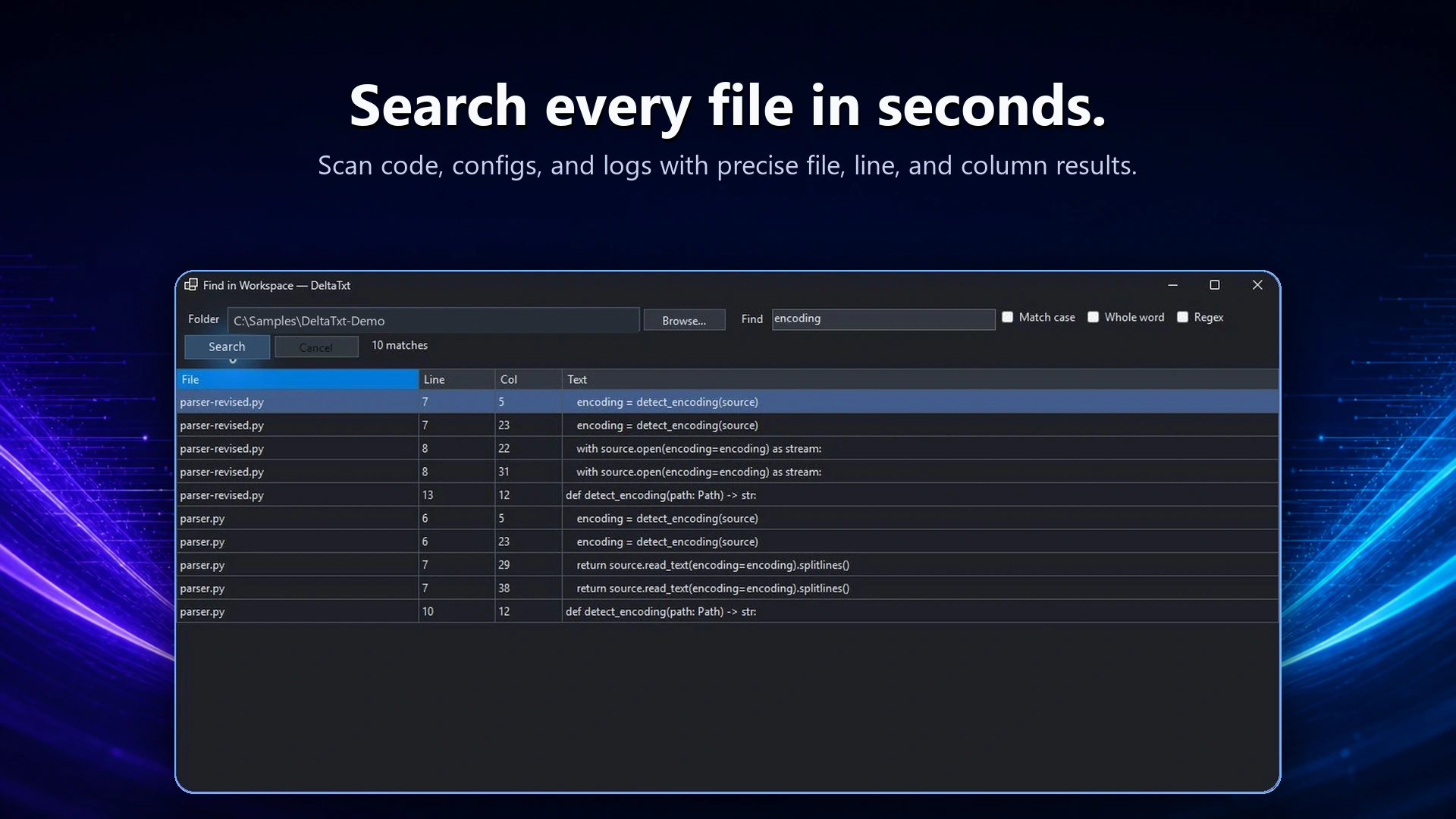
Across a workspace
Search related source, configuration, and log files together, then open an exact result at its file, line, and column.
Inside a very large file
Use bounded-memory search and literal replacement without first loading the entire file into an editable tab.
Preview broader replacements
Workspace replacement builds a plan before it writes. DeltaTxt rechecks the affected files, lets you review the scope, and creates a timestamped backup tree so an unexpected change is recoverable.
Keep matching behavior consistent
Case sensitivity, whole-word matching, regular expressions, and extended escape syntax behave consistently across document and workspace tools. That makes a search easier to refine before it becomes a replacement.
Useful for code, configs, and logs
- Rename a key across related configuration files.
- Update a repeated Python pattern after reviewing every match.
- Redact or normalize a large exported log with an optional backup.
- Find an identifier across source, output, and supporting text.