
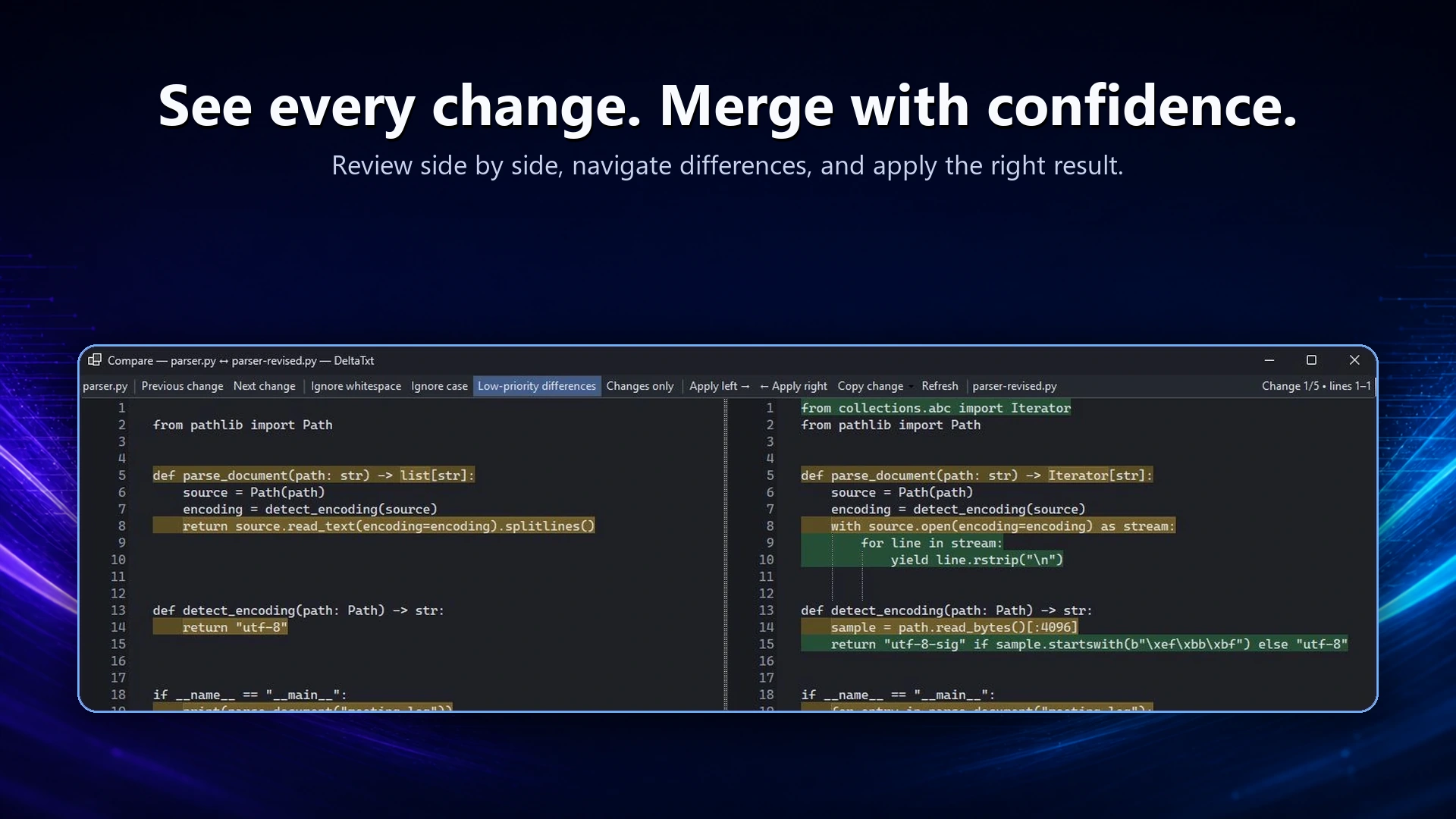
See the change at two levels
DeltaTxt aligns changed lines side by side and highlights the modified tokens within them. Move between change blocks with synchronized scrolling, or switch to a changes-only view with enough context to stay oriented.
Filter the noise
Whitespace and case
Ignore whitespace or letter case when formatting differences would otherwise hide the change that matters.
Apply one change
Copy a change for review notes, or apply the current block left or right after a confirmation.
Export a standard diff
Copy a unified diff for a ticket, review, patch discussion, or record of what changed.
Merge without sacrificing the sources
A three-way merge creates an editable draft instead of overwriting an input file. Unresolved conflict blocks stay visible and can be resolved with the left side, right side, or both before the result is saved.
Common comparison jobs
- Review a Python script before running or distributing the revision.
- Compare an expected configuration with the version found on a computer.
- Place successful and failed diagnostic output side by side.
- Check two folders and preview selected sync changes with backups.